Smart Caller ID & Context
When a prospect calls, KroLead instantly surfaces their pipeline stage, past discussion notes, deal value, and pending tasks so you speak like a prepared professional every single time.
Stop losing deals to forgot-to-log calls. KroLead turns any Android phone into an automated sales workstation. Auto-log calls, track telecaller talk-time, pop up instant caller history, and schedule follow-ups with one tap.
When a prospect calls, KroLead instantly surfaces their pipeline stage, past discussion notes, deal value, and pending tasks so you speak like a prepared professional every single time.
Never miss a callback promise. Set reminders with exact times right after hanging up. KroLead alerts your telecallers when leads are due or overdue.
Business owners get full visibility into daily call metrics: dials made, connected calls, total talk time, conversions, and pipeline progress across all team members.
Telecallers see their daily assigned calling list, while managers and business owners maintain central oversight over customer data and employee productivity.
Install the Android app and contact our team on WhatsApp to confirm paid seats and organization onboarding.
For example, a sales representative can keep a new enquiry, the call outcome, and the next action together in one lead record. This is an illustrative workflow, not a customer result.
CallPilot is optional. Call-connected features depend on the Android permissions and setup available on your device. Core lead management can be used without CallPilot. Offline-friendly CRM work and cloud synchronization are different: syncing and online messaging need connectivity.
Check the official Google Play listing for the current app description, and contact KroLead support about device compatibility and team onboarding.
Illustrative workflow: two callers share a list of customers who asked for a quote.
Before you start: CallPilot is optional and requires the relevant Android permissions. Test call detection and reminders on your team's devices before rollout.
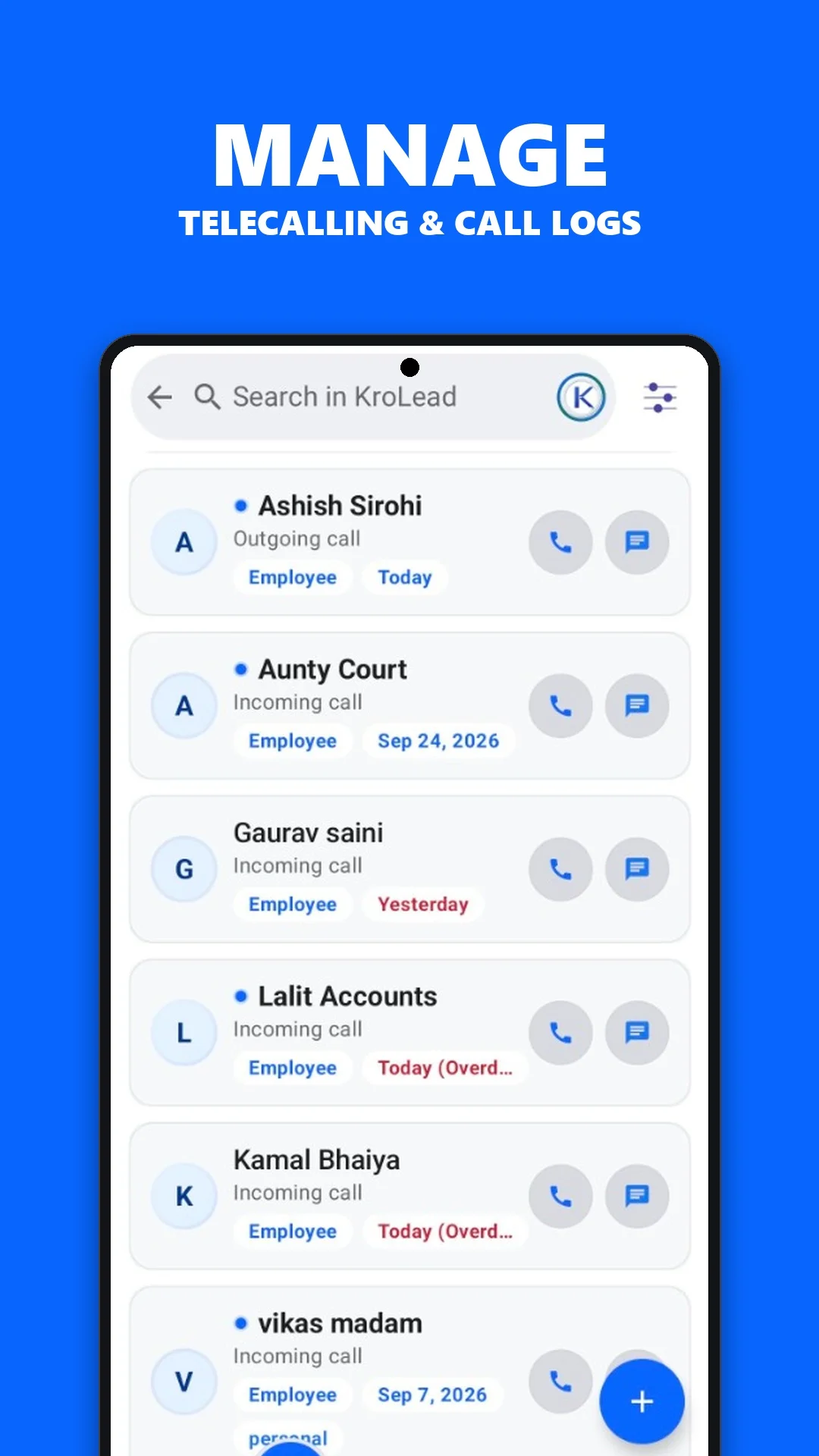
With optional CallPilot enabled on a supported Android device and the relevant permissions granted, KroLead connects SIM call activity to the lead workflow. After a call, record the outcome, update the lead stage and schedule the next follow-up.
KroLead supports WhatsApp messaging templates alongside lead records. Review the message and customer context before sending. Template messaging is separate from an automatic WhatsApp chat-import or Business API integration.