Offline CRM Android

An offline CRM for Android that keeps your business moving without signal

KroLead is designed for businesses that work from the field, operate in low-connectivity areas, or cannot afford to stop because the network is unstable. Save leads, write notes, schedule follow-ups, and keep the workflow moving offline.

Local-first Lead activity is written locally first, so the work does not stop during field movement or connectivity issues.
Sync later When internet returns, the app syncs changes so the owner and team keep one updated workspace.
Practical Useful for teams that travel, work in rural areas, or handle lead flow away from stable office internet.
Call-first Calls, follow-ups, notes, and task movement stay connected to the lead record.

What works offline

  • Lead capture and updates
  • Notes and reminders
  • Pipeline movement
  • Task tracking and day-to-day CRM work

Why this matters

  • Field teams do not wait for internet to save customer context
  • Owners do not lose warm leads because of unstable connectivity
  • Work remains usable across real Indian operating conditions

Who benefits most

Real estate, agriculture supply, solar, service businesses, local distributors, and owner-led teams that often work outside the office.

Offline-first does not mean disconnected business

Track the lead now Do not wait for signal to write lead notes or schedule the next follow-up.
Sync when connectivity returns The app is designed so the CRM stays useful in the moment, then reconciles changes later.
Keep teams aligned Owners and employees still operate in one organization workflow instead of fragmented personal notes.

Onboarding support

KroLead uses managed onboarding so your business setup, team flow, and access structure are configured correctly from the beginning.

Need an offline-ready CRM for your Android team?

Message KroLead on WhatsApp and get your organization onboarded with the right workflow.

Plan an offline field sales workflow

Prepare for a day with intermittent connectivity

Illustrative workflow: a salesperson expects weak mobile data between customer visits.

  1. Set up access and sync the needed customer records while online.
  2. Between connections, work with local lead records and notes; review any previously saved briefs.
  3. Reconnect to sync changes and generate any new cloud AI briefs or suggested messages.

Before you start: Cloud sync and new cloud AI generation require internet access. Phone calls and SMS depend on carrier service; offline CRM access does not make those services available.

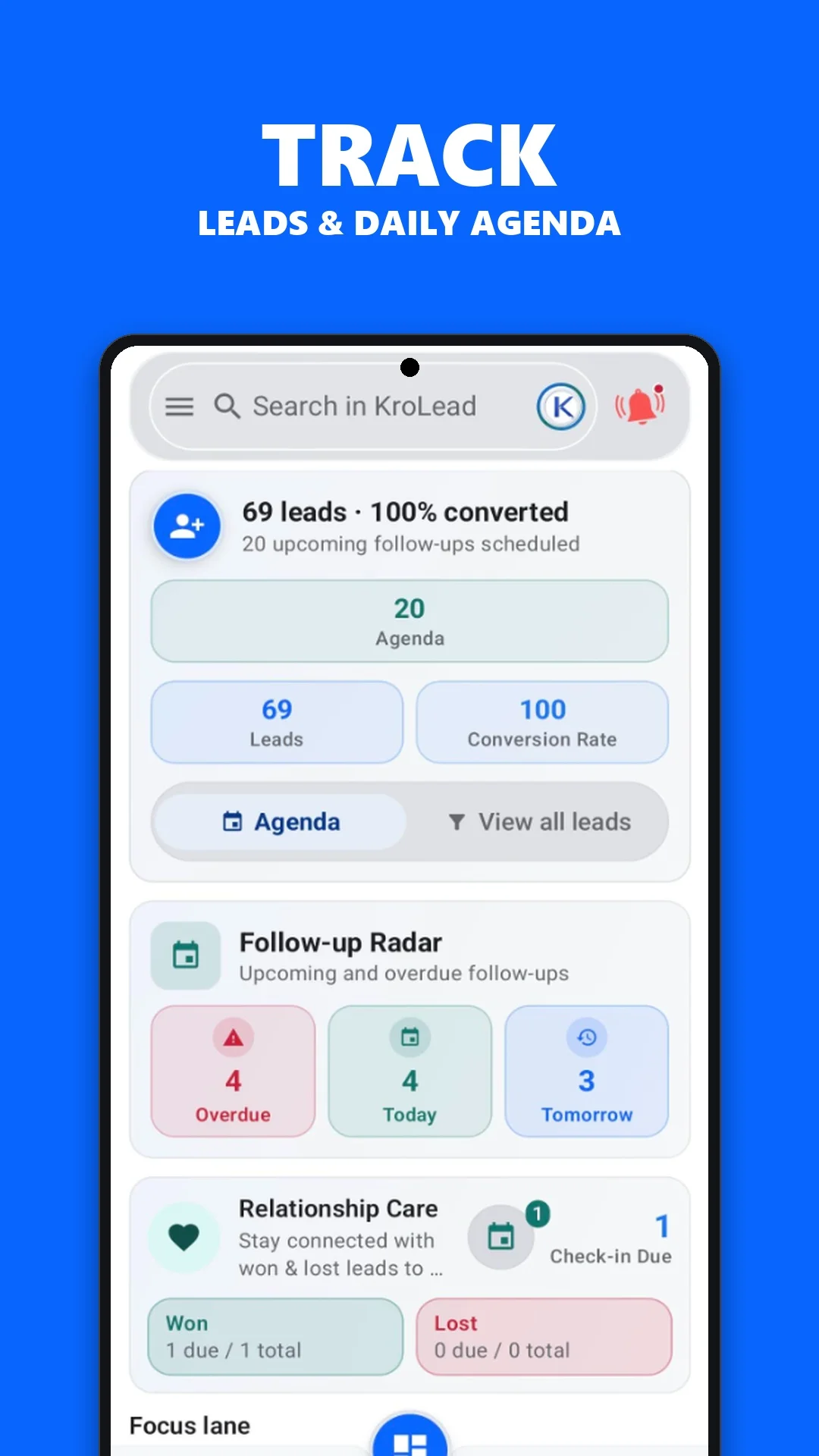
KroLead app screen showing local lead records and daily tasks
Product screenshot supplied with this website. The workflow above is an illustrative example.

Common questions

What works offline in KroLead Android CRM?

Work with local lead records, customer notes, pipeline stages and follow-ups between connections. Set up and sync the workspace while online. Cloud sync and new cloud AI generation require an internet connection.

Who benefits most from an offline CRM app?

An offline CRM can help field sales teams and other people who need customer records during travel, visits or periods of unreliable mobile data. Prepare the needed records while connected before heading out.

Does offline-first mean disconnected business?

No. Local CRM activity remains available between connections, while cloud synchronization requires internet access. Phone calls and SMS still depend on carrier service.
Get KroLead on Google Play